
- Features
- Get Started
- Guide
YodYod · Deep Research
Complete deep research tasks in your cloud workspaceYodYod · Web Development
Complete web development tasks in your cloud workspaceYodYod · App Building
Complete app building tasks in your cloud workspaceYodYod · Data Analysis
Complete data analysis tasks in your cloud workspaceYodYod · Document Creation
Complete document creation tasks in your cloud workspaceYodYod · Workflow Automation
Complete workflow automation tasks in your cloud workspace
Let AI turn your ideas into reality on a cloud computer
YodYod is an AI Agent that operates a real cloud computer. Tell it your goal—it plans steps, browses the web, edits files, writes code, and delivers finished results. Connect your own remote server for an always-on workspace, and keep research, coding, analysis, and daily tasks moving from web or mobile.
Connect the tools you already know, giving every idea a place to run.













24/7 Cloud Workspace
From a single prompt to a finished task
Anytime work from anywhere
Desktop, tablet, or phone—just open your browser.
Research, coding, analysis, and creation, all in one cloud workspace
One goal, a full cloud computer working for you
AI Agents That Actually Execute
From understanding your goal to breaking down steps, YodYod uses real tools in an isolated cloud workspace to turn chat into deliverables.
Browser, Files & Terminal
Inspect the browser, manage files, and run code in one console. Every tool works together around your task.
Every Task, One Entry Point
From industry research and web development to data analysis and writing—pick a template or describe your goal to start.
Connect Your Own Remote Server
Use your own server as the Agent's runtime to manage private files, apps, and tools tailored to your projects.
Keep Moving Across Devices
Start on desktop, continue on mobile. The cloud keeps tasks running while you check progress and send follow-ups from any browser.
Transparent Execution
Review plans, tool activity, and output files in real time. Pause, steer, and resume whenever you need.
Mobile Access
Persistent Files
Multi-Model Choice
Isolated Workspace
Always-On Cloud Execution
Cross-Browser Access
Dark Mode
Connected Tools
Clear Execution Steps
Leave the busywork to YodYod
Dedicated Cloud Computer
Your tools and files, all in one workspace
Full control from browser to desktop
View your cloud environment in the browser and switch between browser, files, and terminal without carrying a laptop.
Work on your own server
Connect a dedicated remote environment so projects, dependencies, and files stay on the server you choose.
Tools Ready at Hand
From task kickoff to final delivery
Every step is traceable
Task plans, tool activity, and output files are presented clearly in the console so you can steer anytime.
Files and projects flow seamlessly
Reports, codebases, and data files are organized together with preview and download so you can pick up right where you left off.
Turn Data into Insights
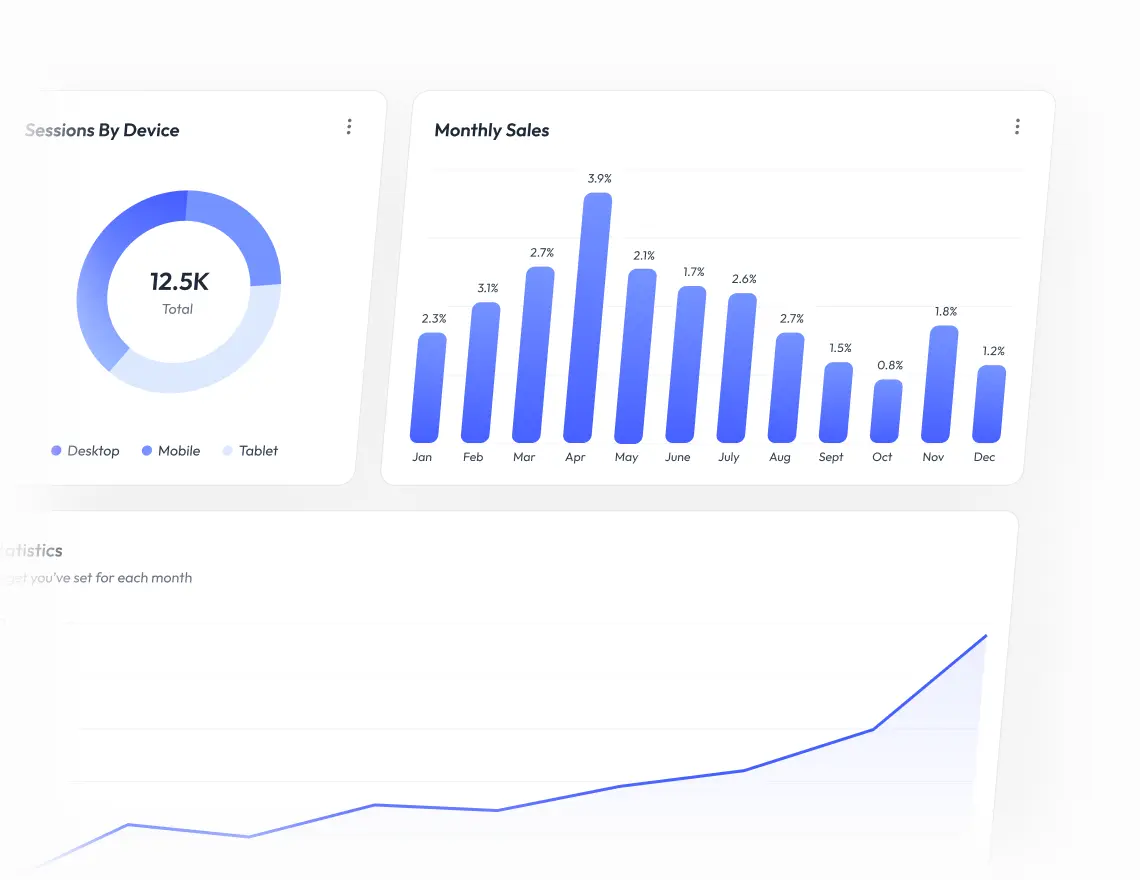
Find clear answers in complex data
Make data analysis effortless to start
Describe what you want to learn and let the Agent clean data, analyze trends, and summarize findings clearly.
Carry conclusions into action
Package analysis into structured documents and downloadable files ready for real decisions.
More Than Just Chat
Give it a goal, let it finish the job
Research, writing, code, and creation
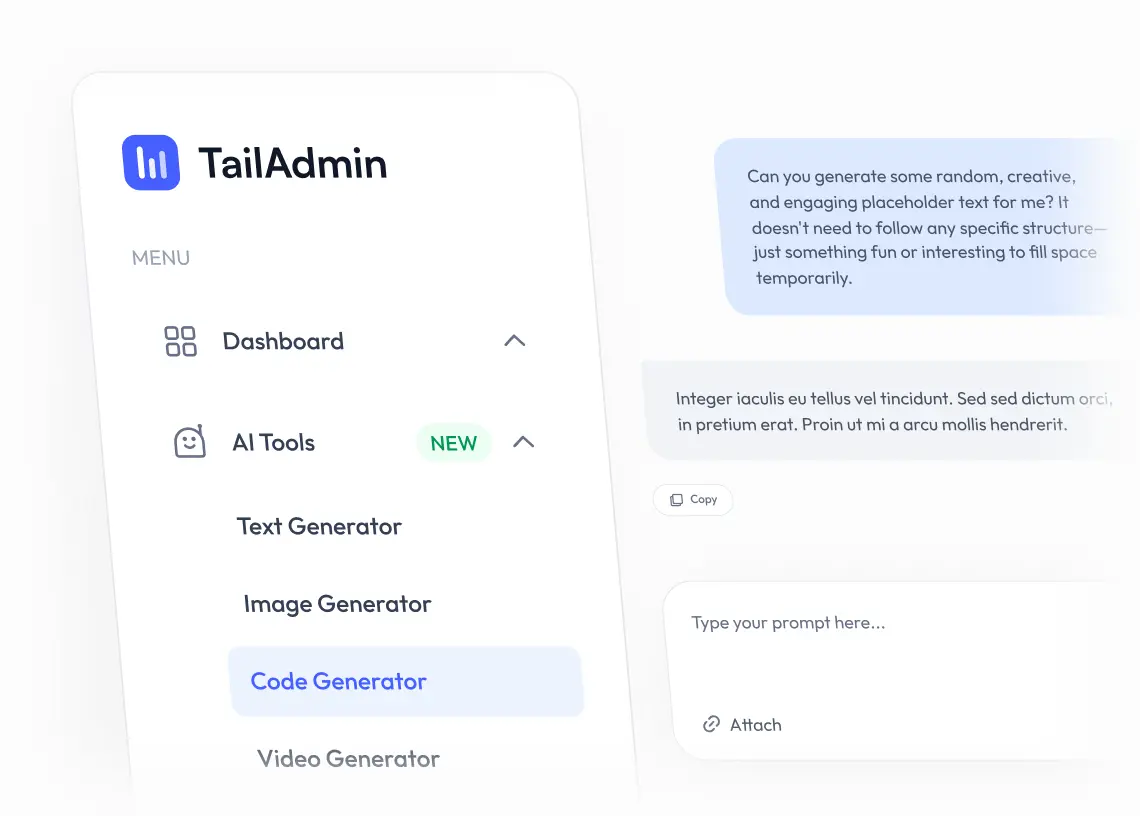
Describe your task in plain language with file attachments and model choices to launch a tool-using AI workflow.
Progress and outputs in one place
From conversation to live browser preview, steps, and deliverables, YodYod unifies the whole workflow.
Stay Connected Anywhere
Open on mobile, keep work moving
A console designed for every screen
View chat and your cloud computer side by side on desktop, or switch smoothly between tasks and tools on mobile.
A workspace that grows with you
Start with a single task and build up your projects, references, and workflows over time.
From a spark of an idea to every task worth finishing
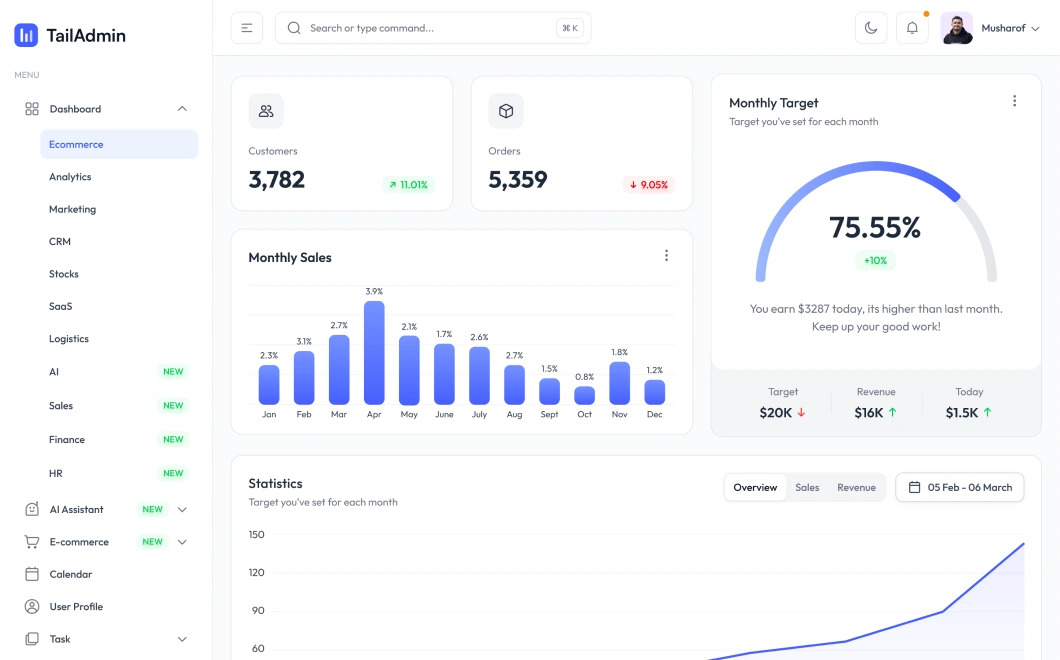
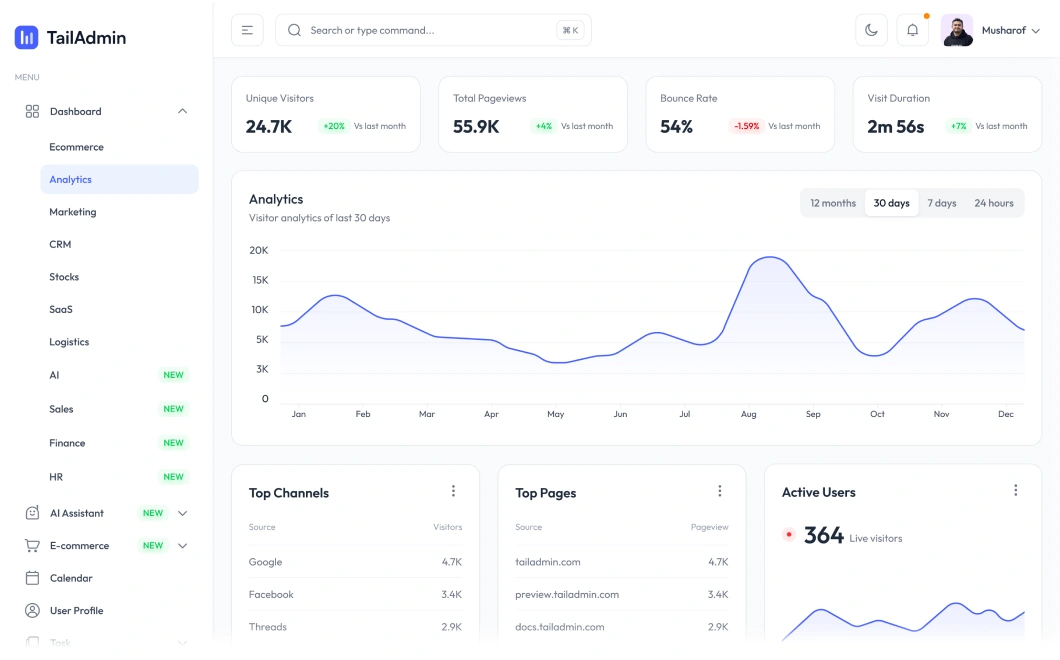
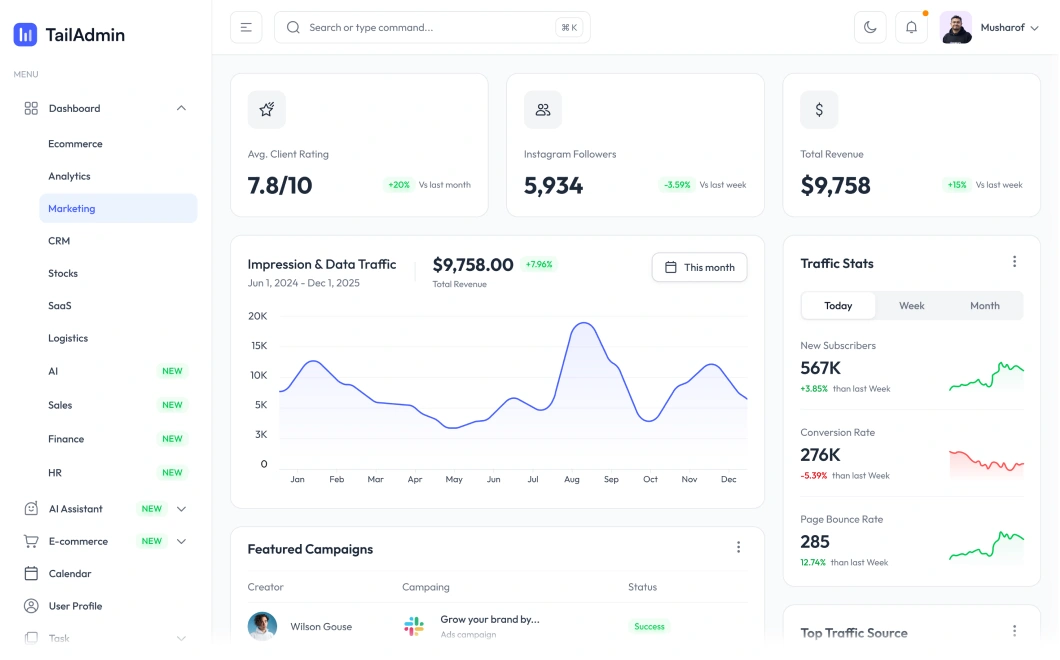
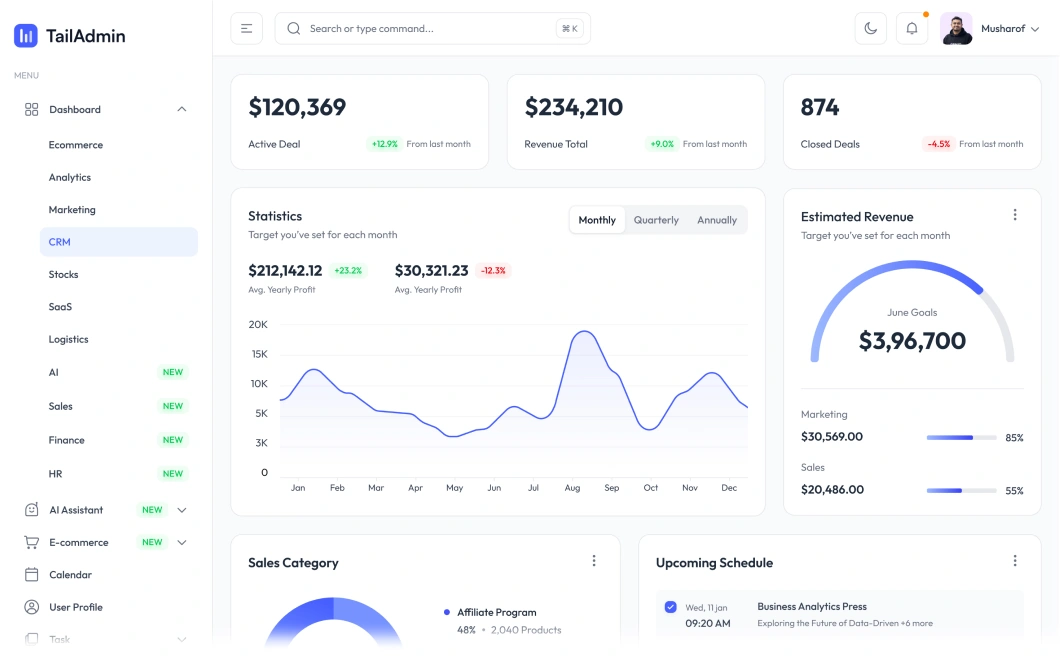
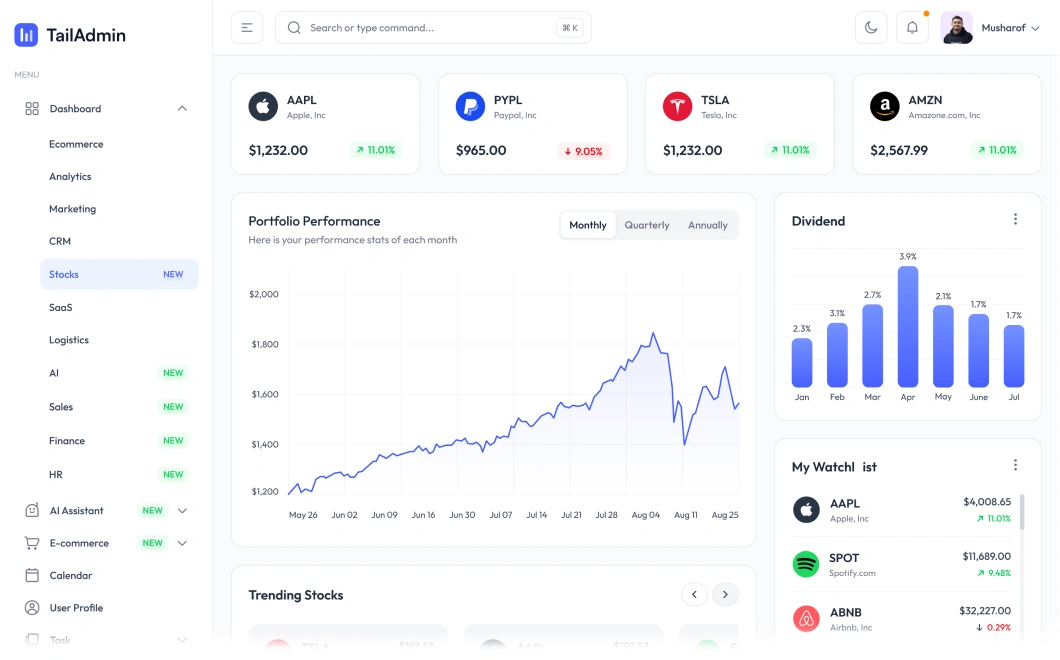
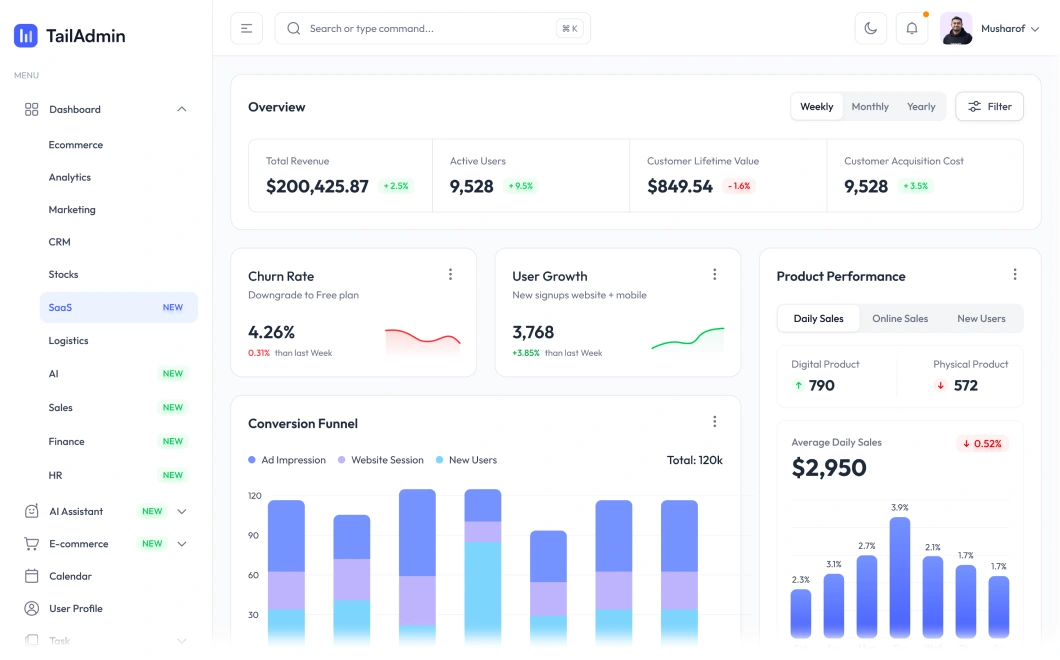
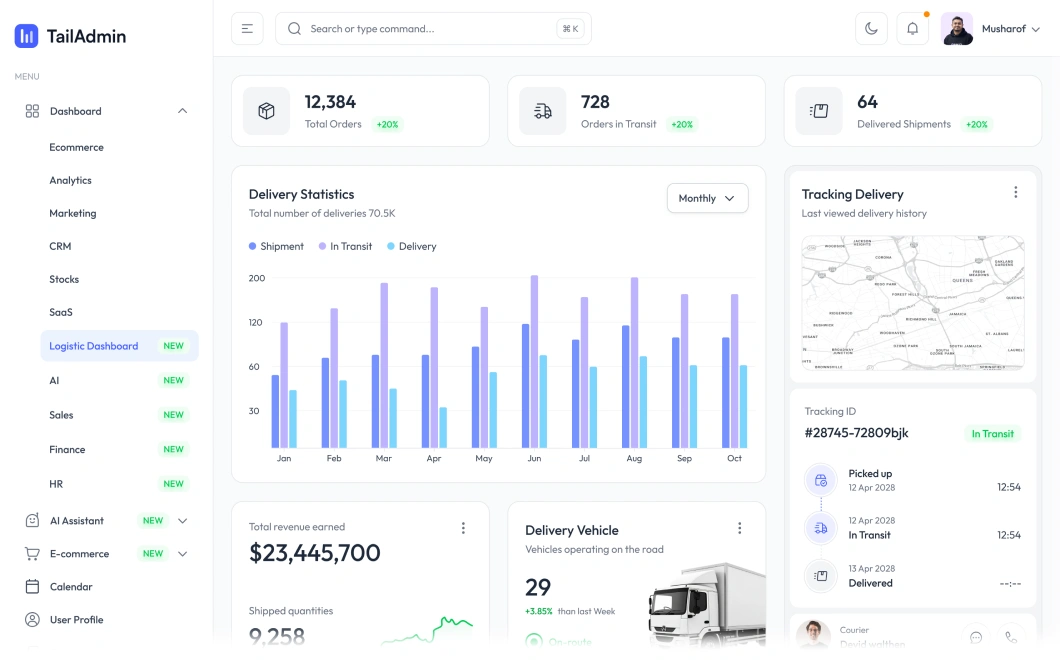
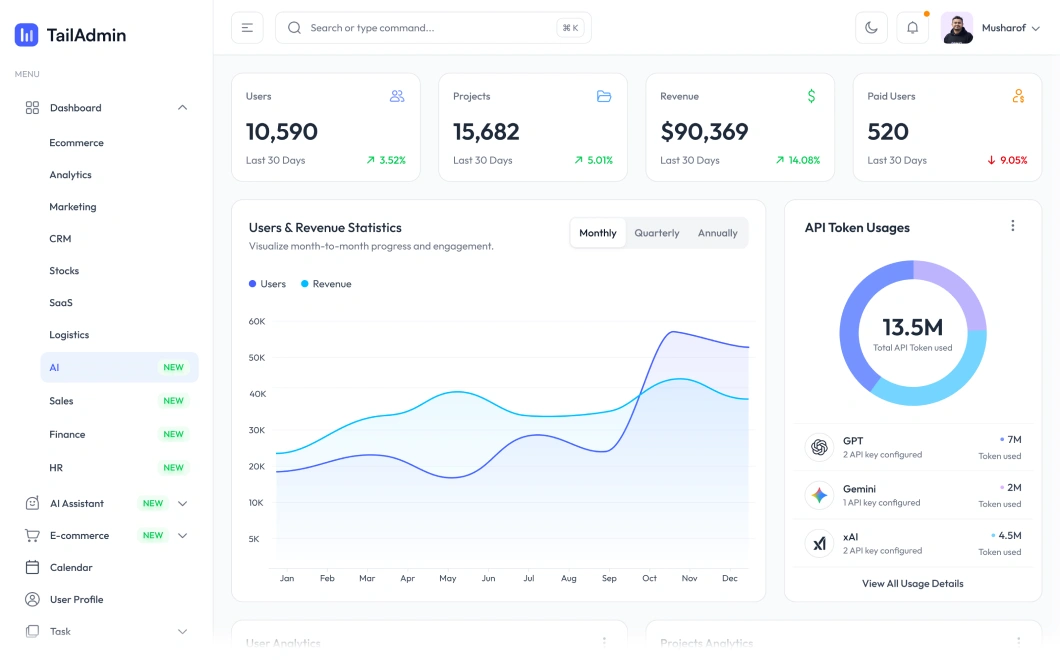
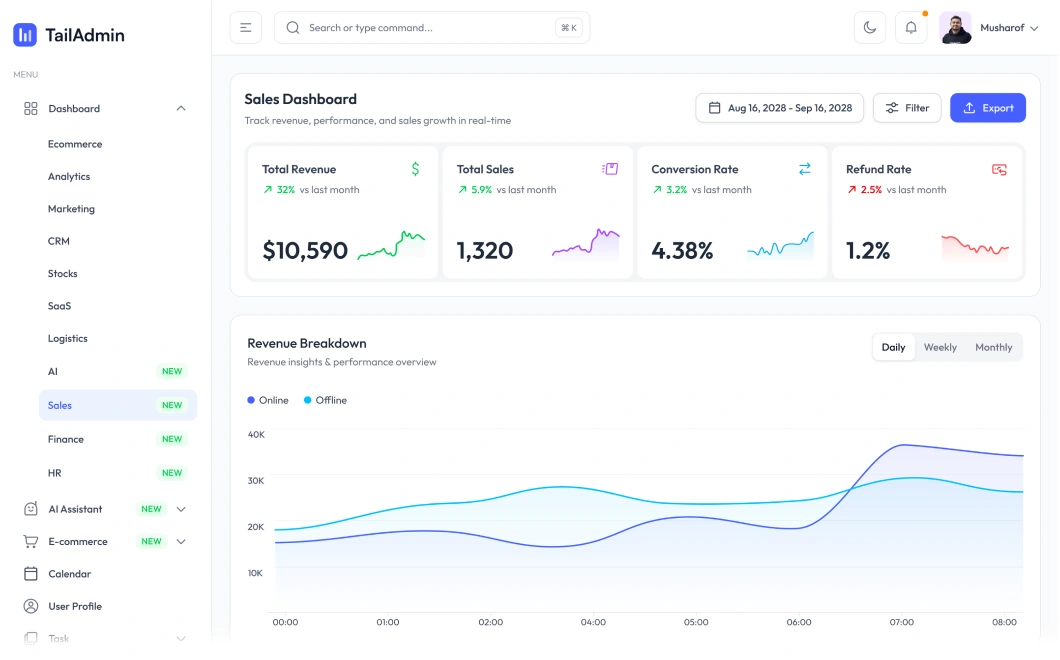
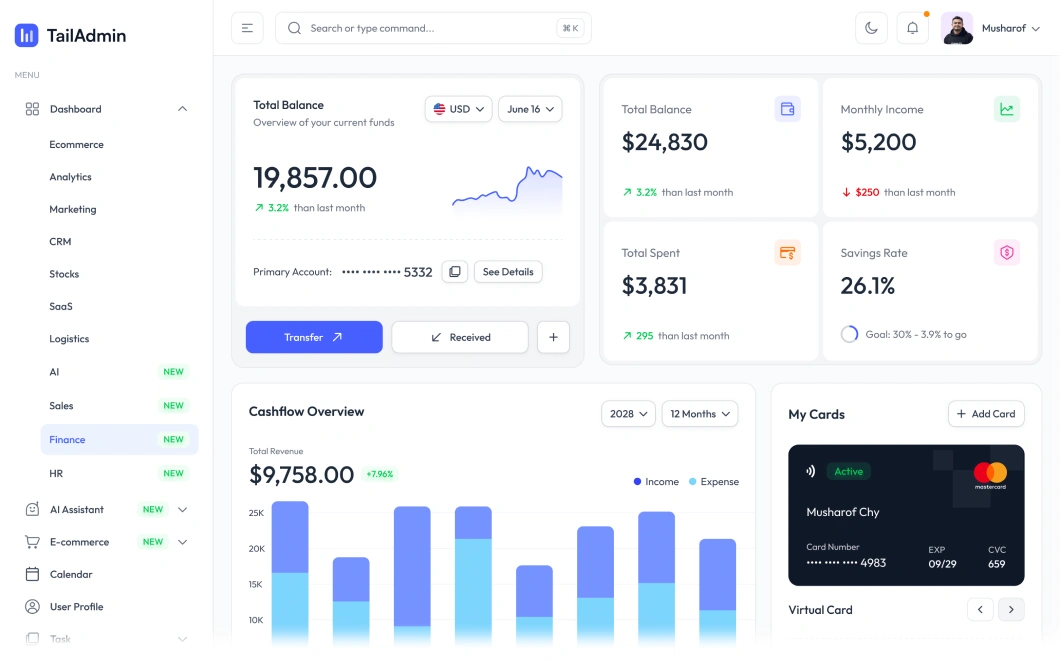
Explore task templates for research, coding, analysis, and creation—start with a single sentence.
Explore All TemplatesBring your favorite tools into your cloud workflow

Apex Charts
Organize data, visualize trends, and produce clear analytical summaries.

Jsvectormap
Inspect information from multiple angles to uncover key business shifts.

Flatpickr
Organize schedules and tasks so progress stays clear.

Swiper
Browse projects and deliverables smoothly across devices.

Alpine.js
Connect web interactions for smoother everyday workflows.

Prettier
Format code and organize project files so outputs stay clean and reusable.
Start your idea right away,
and leave the rest to YodYod.
24/7 Cloud Workspace
From a single prompt to a finished task
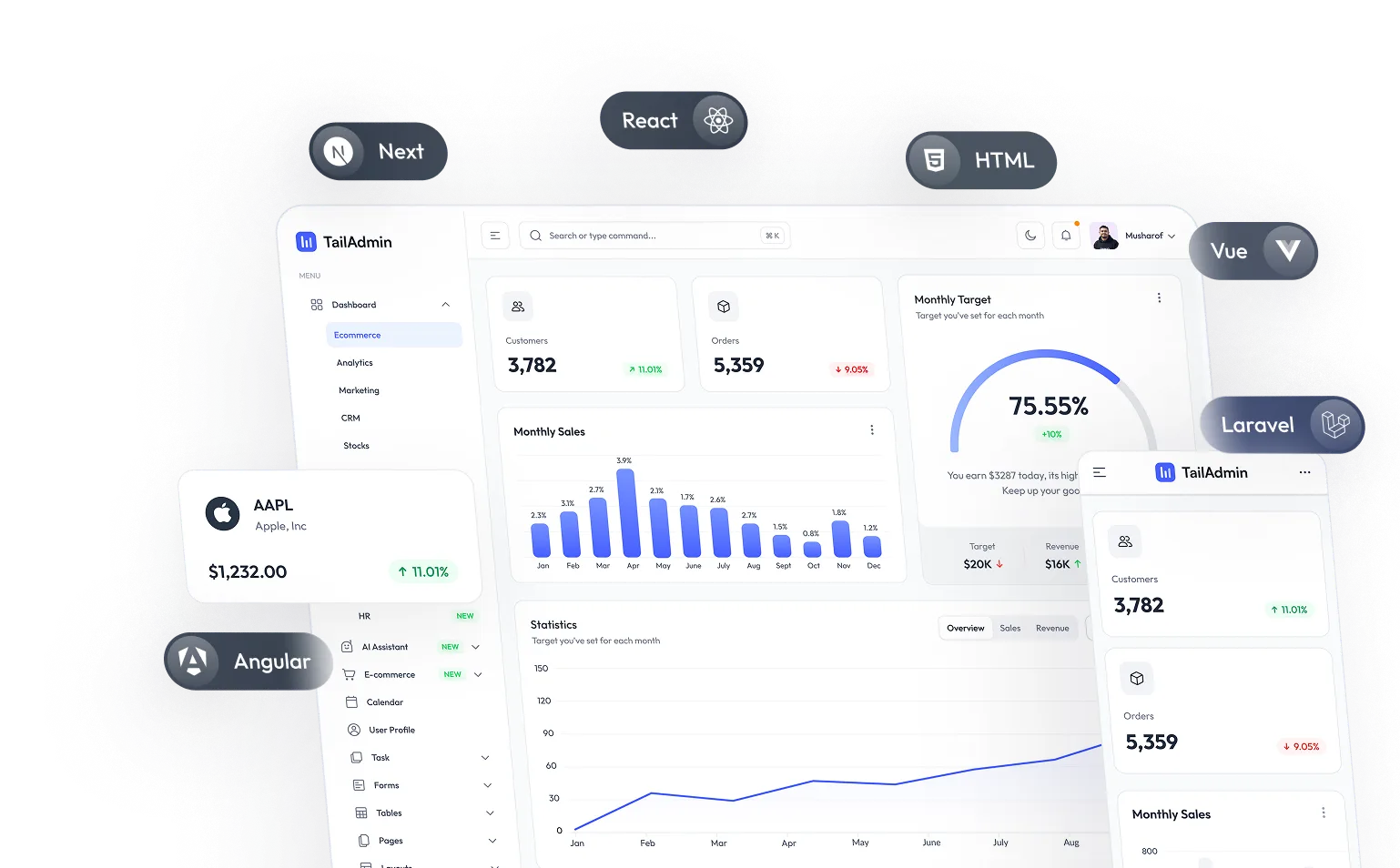
Start your cloud workflow here
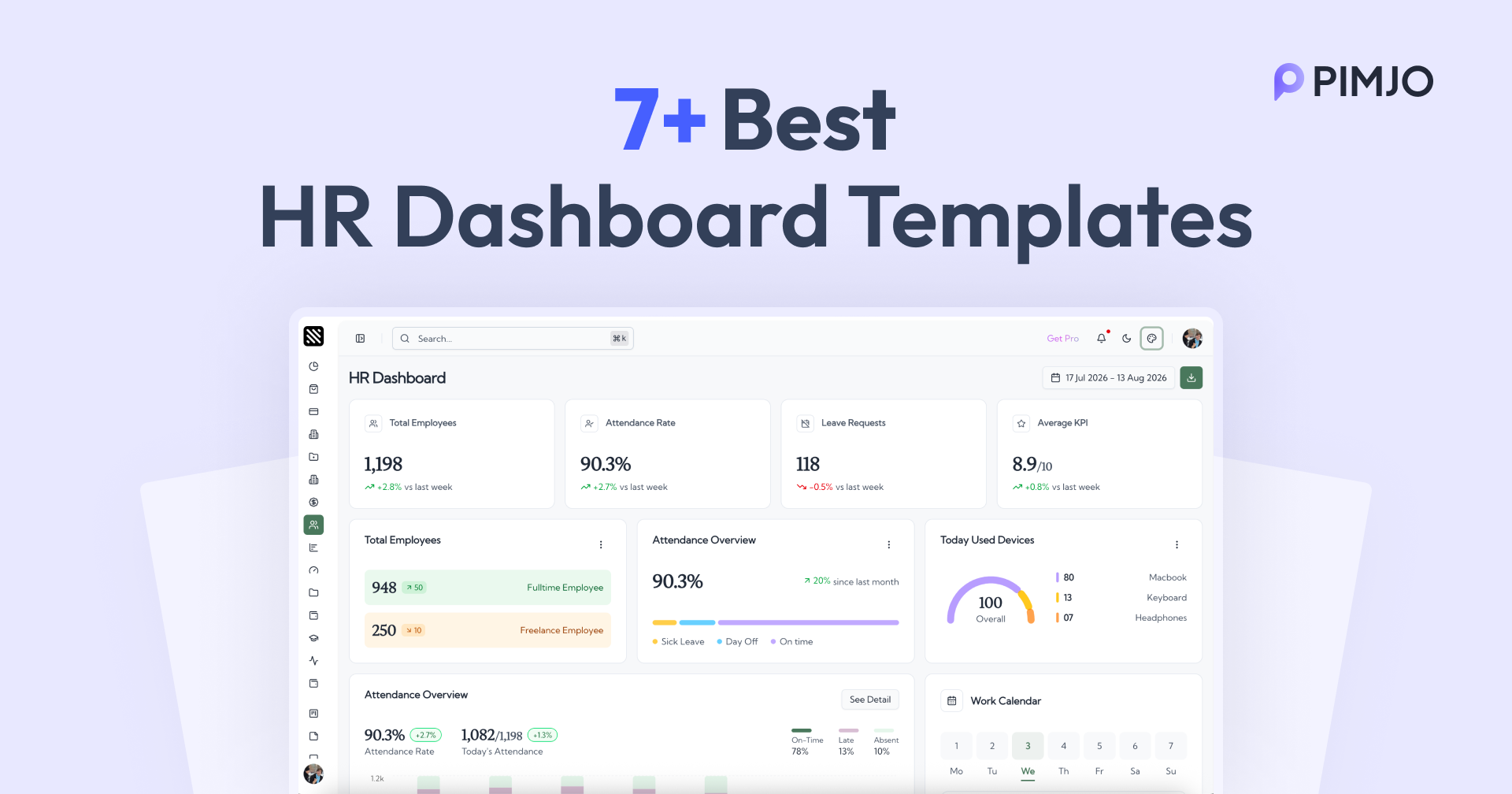
First time with YodYod: from one prompt to a finished task
Describe your goal, pick a model, and inspect the execution plan and deliverables.
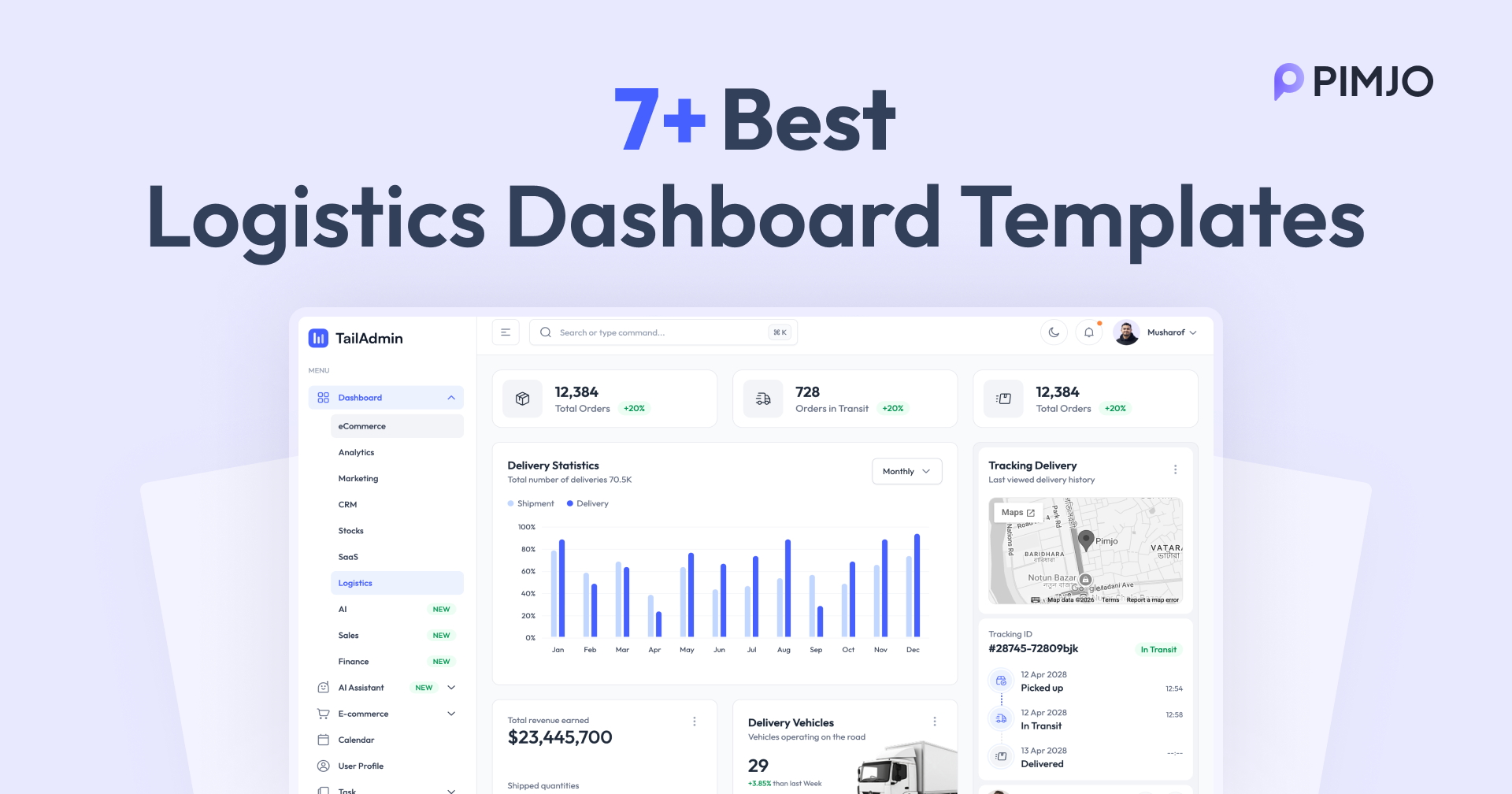
How to connect your own server to the cloud workspace
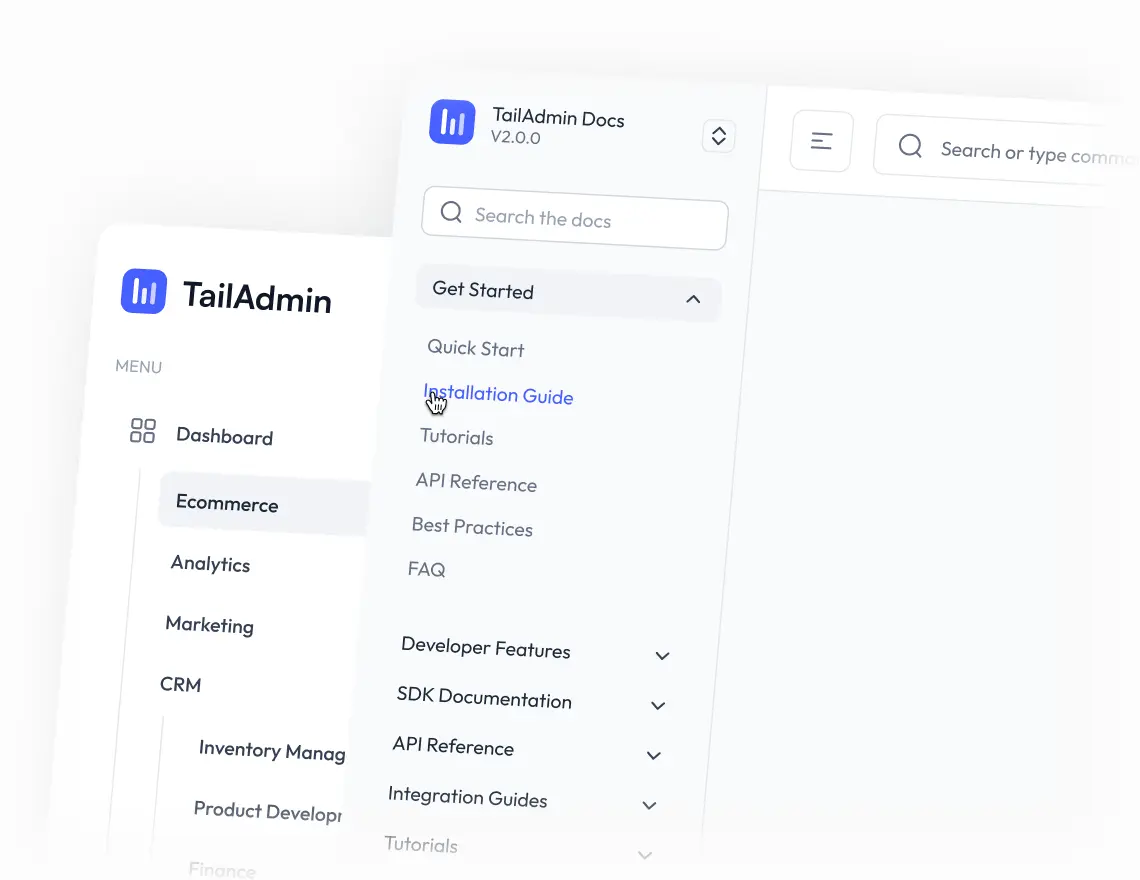
Configure a remote host and understand how cloud computers, files, and terminals work together.

Chain research, coding, and docs into one workflow
From research and coding to final write-ups, let your Agent handle multi-step tasks.
Before you start, here's what to know
Does YodYod require installing any software?
No client app required. Open the workspace from any desktop, tablet, or mobile browser to send tasks and view results.
Can I connect my own server?
Yes—you can configure a remote host via the server connection entry to give your Agent a dedicated environment.
What features can I try right now?
You can try task prompting, model selection, live execution steps, pause & resume, cloud browser, file preview/download, and terminal.
How is YodYod priced?
Pricing scales with model usage and cloud compute resources, with flexible plans available in your workspace settings.
Are the examples on this page real execution outputs?
The landing page showcases illustrative examples. Sign in to your workspace to run live Agent tasks on real cloud computers.